
View your X-Ray and ask questions
Open your X-ray or mammogram in the browser. Point at anything and KAYMO explains it in plain language.
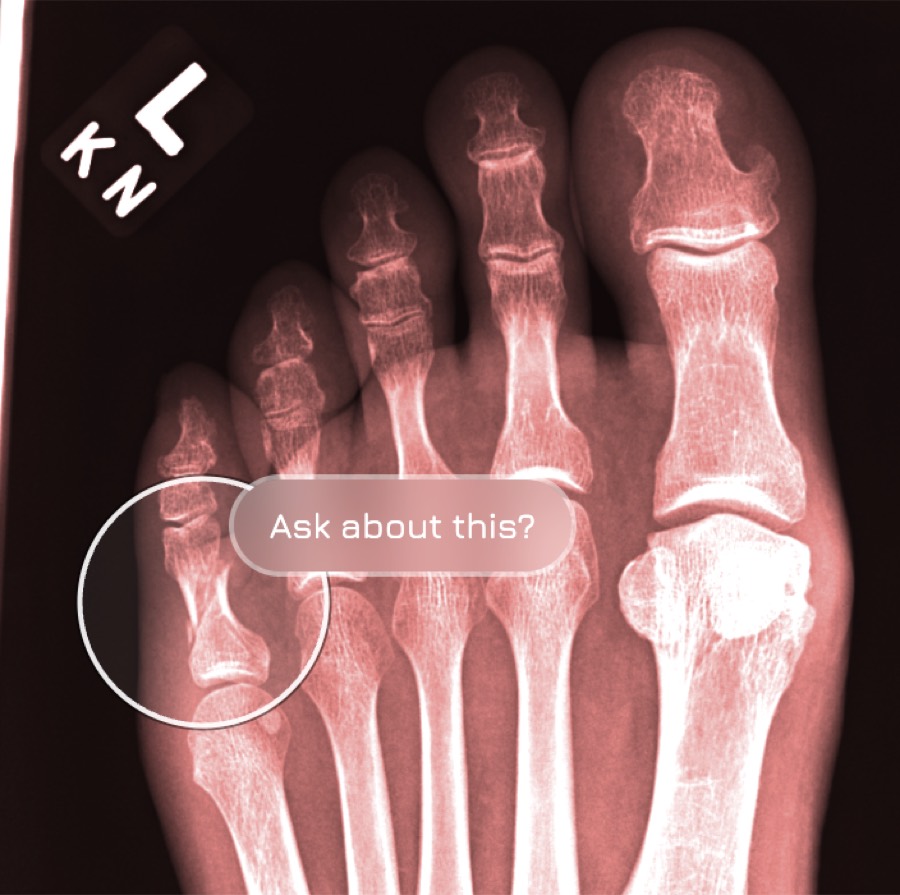
You are in control
Intuitive controls. Works in your browser.
Point at it and ask
Press and hold any spot. KAYMO reads that exact region and names what's there in plain language.
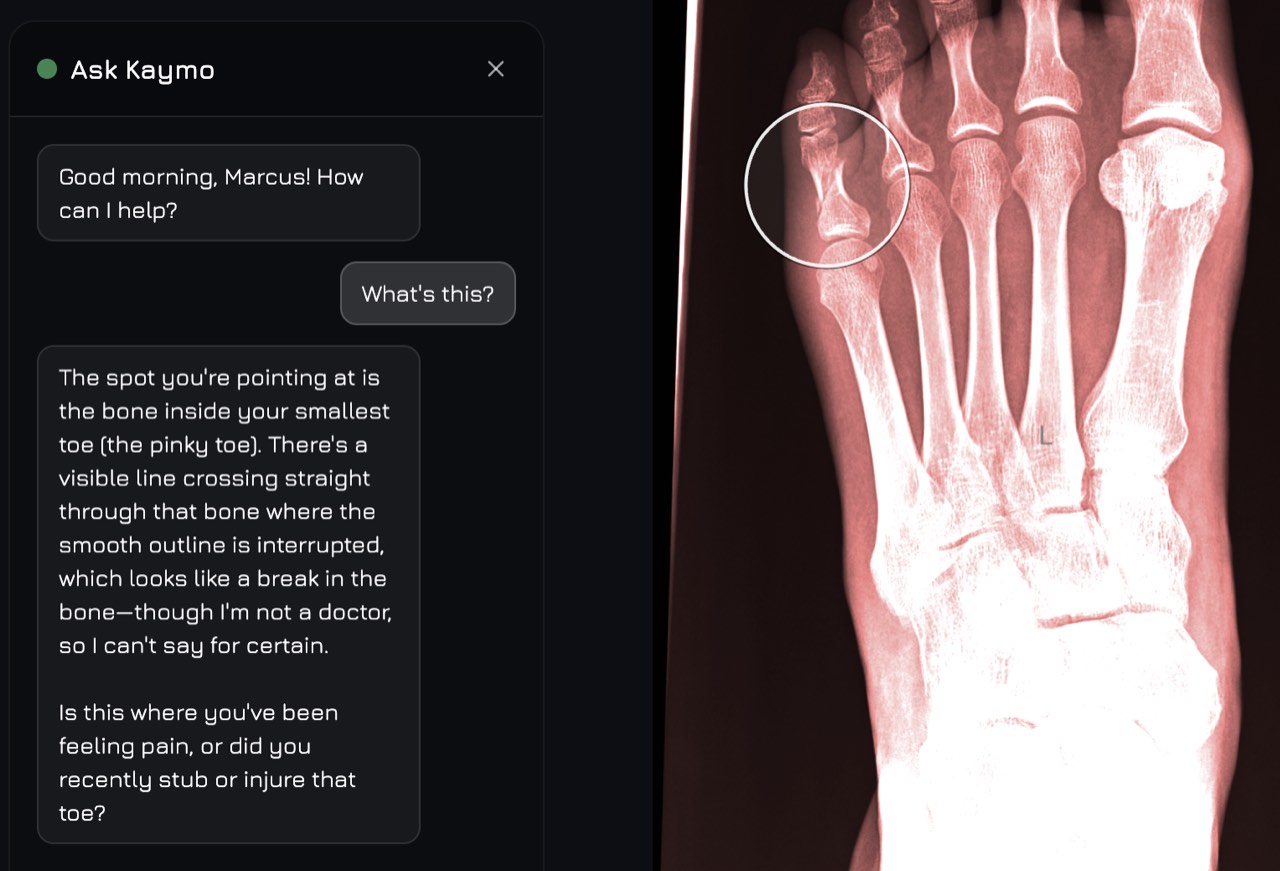
An example conversation. KAYMO describes what it sees and says when it isn't sure — it doesn't diagnose.
What you can upload
X-rays
Chest, bone and joint radiographs (DX, CR).
Mammograms
Breast imaging (MG), greyscale auto-corrected.
Angiography
Vascular series (XA), including multi-frame.
How it works
Get your files
Request the DICOM files from your clinic. They're your data.
Upload to KAYMO
Drag and drop. No plugin, no install.
Look, and ask
Adjust, zoom, and press and hold anything to ask.
A note on what KAYMO is
KAYMO is an educational and wellness tool designed to help you explore and understand your anatomy. It is not intended to diagnose, treat, or replace professional medical advice. AI-generated explanations are for educational purposes and should be verified with a qualified healthcare provider. Visualizations are illustrative and are not for clinical use.