
Explore your dental scan in 3D
Upload your dental CBCT scan and explore it in interactive 3D, free in your browser with nothing to install
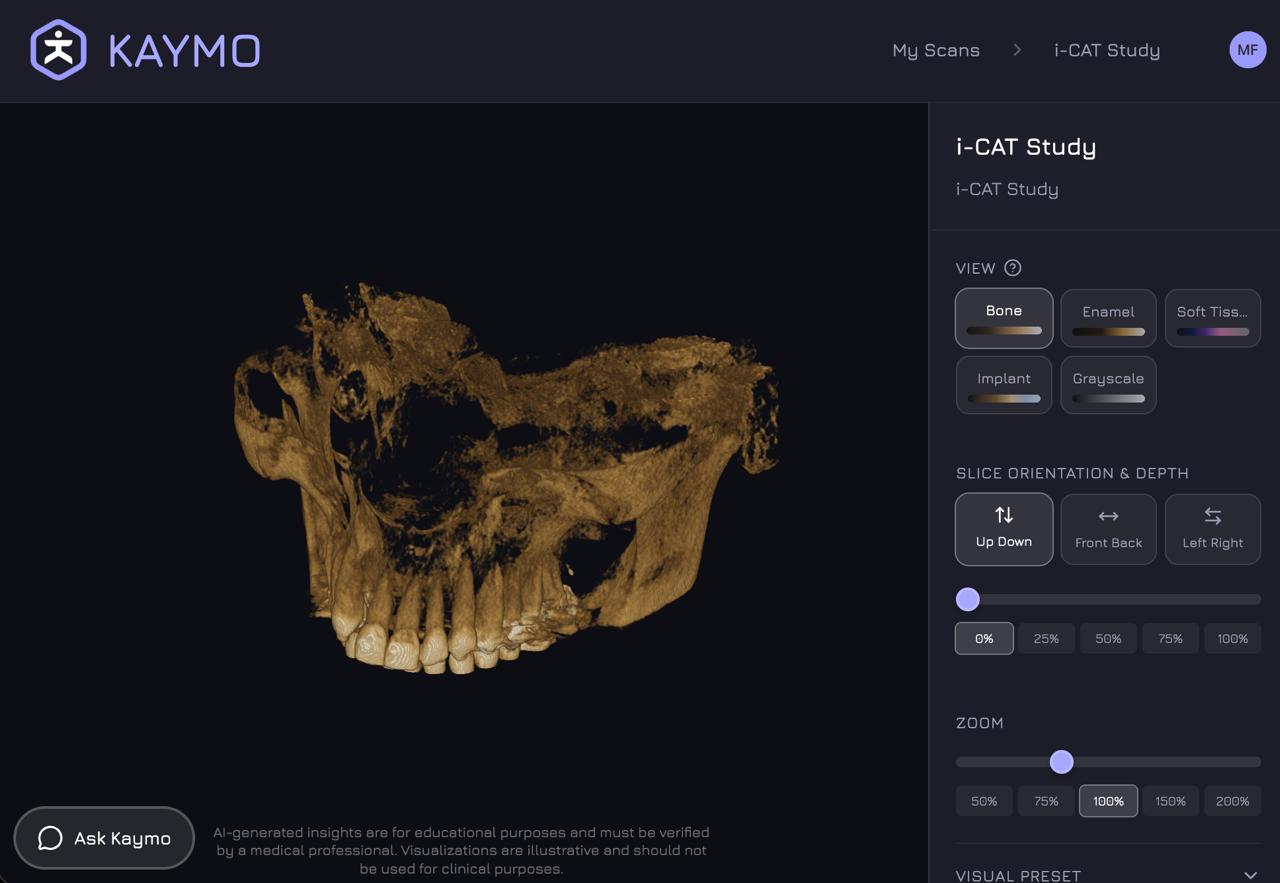
More than flat, gray slices
A dental CBCT is a full 3D dataset of your jaw, teeth, and surrounding anatomy. Upload the DICOM files and explore all of it, with colormaps you can switch between.
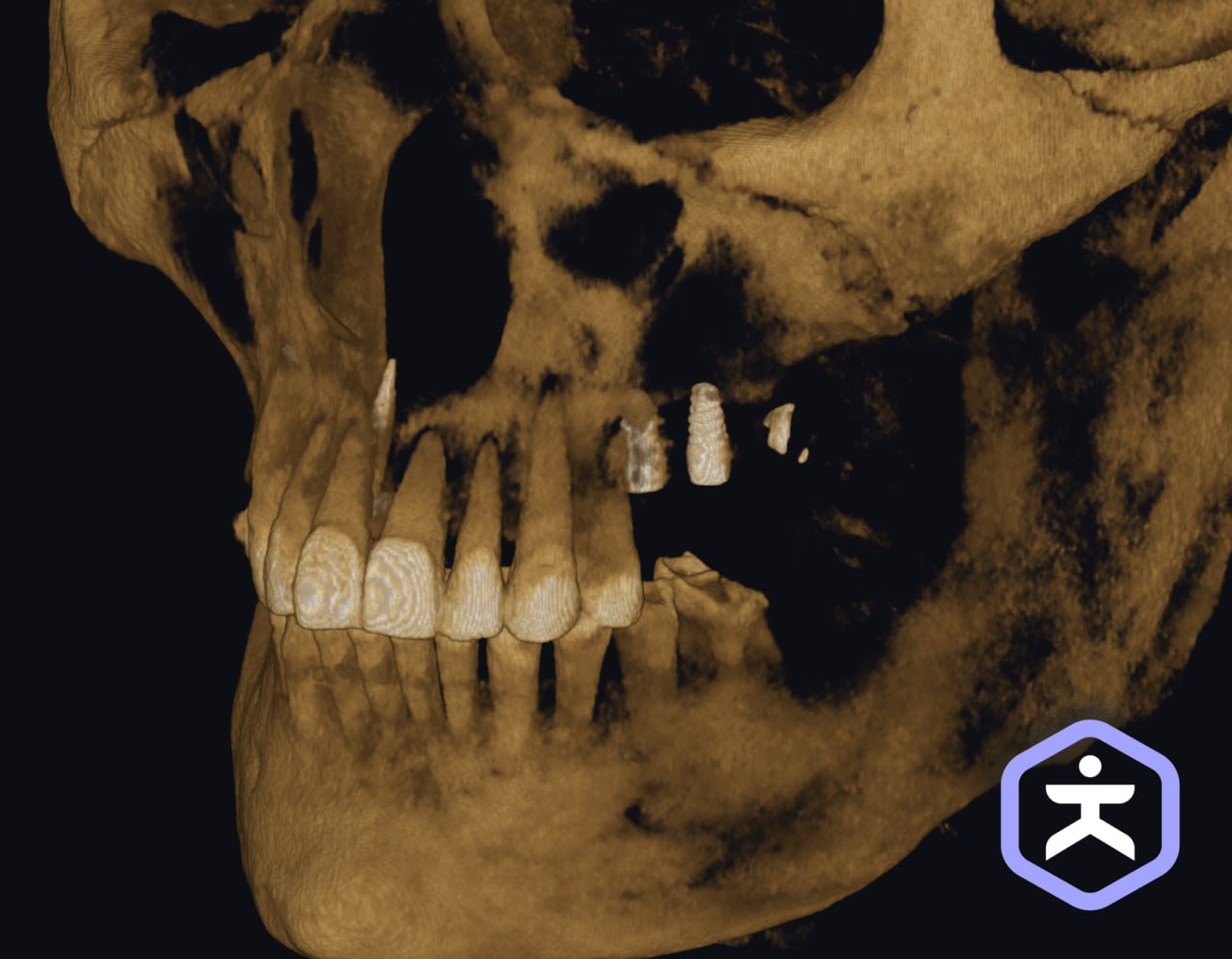
Ask KAYMO · Subscription
Ask KAYMO about your scan
Not sure what you're looking at? Ask KAYMO. It explains dental anatomy and what's on your scan in plain language — no medical degree required.
Point at something in your scan and ask what it is. KAYMO will help you understand your own anatomy.
How it works
Get your DICOM files
Ask your dentist or imaging center for your scan files. They're your data — you have the right to them.
Upload to KAYMO
Drag and drop the DICOM files from your CBCT scan.
Explore in 3D
Explore your scan in 3D. Switch colormaps, slice through your anatomy, and, with a subscription, ask KAYMO what you're seeing.
Your dental scan in 3D · Free
Upload your CBCT scan and see what's inside, free in your browser with nothing to install
Start for freeA note on what KAYMO is
KAYMO is an educational and wellness tool designed to help you explore and understand your anatomy. It is not intended to diagnose, treat, or replace professional medical advice. AI-generated explanations are for educational purposes and should be verified with a qualified healthcare provider. Visualizations are illustrative and are not for clinical use.